
The short answer
Divide the cellar into stable physical zones, give every shelf or bin a short location name and record that exact location for each bottle. Use the location code to find wine, then use digital filters for type, region, vintage and drinking window. This prevents the physical cellar from needing to be reorganized whenever the collection changes.
Start with a map, not with wine categories
Before moving bottles, divide the physical space into locations that will not change. A small cabinet might use Top, Middle and Bottom. A larger cellar can use Room, Wall, Bay, Shelf and Position. Cases and off-site storage should have their own names.
Write the system down in plain language. If another person cannot find “Cabinet A, shelf 3, left” without a diagram, the code is too complicated. Stable locations matter more than creating a perfect visual arrangement on day one.
- Use short names that are easy to type and say.
- Label shelves discreetly so the physical and digital names match.
- Leave a few empty positions in busy zones for incoming bottles.
- Treat unopened cases as locations until they are unpacked.
Choose broad zones only when they help
Grouping reds, whites and sparkling wines can make browsing pleasant, but categories should not be the only locator. A growing collection quickly creates exceptions: one shelf fills, a Burgundy bottle is too wide or a mixed case arrives.
Use broad zones where they make practical sense, such as everyday wines near the entrance, long-term bottles in a quieter area and sparkling wine on shelves that fit the bottle shape. Let your digital inventory handle the detailed filtering.
Record the bottle details that change decisions
A useful inventory is more than a list of names. Record the exact vintage and quantity, then add the fields that help you find, value or open the bottle. Do not delay the entire inventory because one price or grape is unknown. Accurate essentials are better than incomplete perfection.
- Producer, wine and vintage
- Quantity and bottle size
- Exact storage location
- Purchase date, merchant and price when known
- Estimated drinking window and the date it was reviewed
- Condition or provenance notes for valuable bottles
Make adding and removing bottles immediate
Most cellar inventories fail at the door. Bottles arrive, are placed wherever there is space and get recorded later. Opened bottles leave the cellar without quantity being reduced. Within months, the database cannot be trusted.
Create two short habits: add a bottle before it reaches the rack, and open it through the inventory before it leaves. A label scanner can accelerate data entry, but the user still needs to confirm the exact wine, vintage, quantity and location.
The best organization system is the one that stays accurate after a dinner party and a new case arrive in the same week.
Review the cellar by action, not only by category
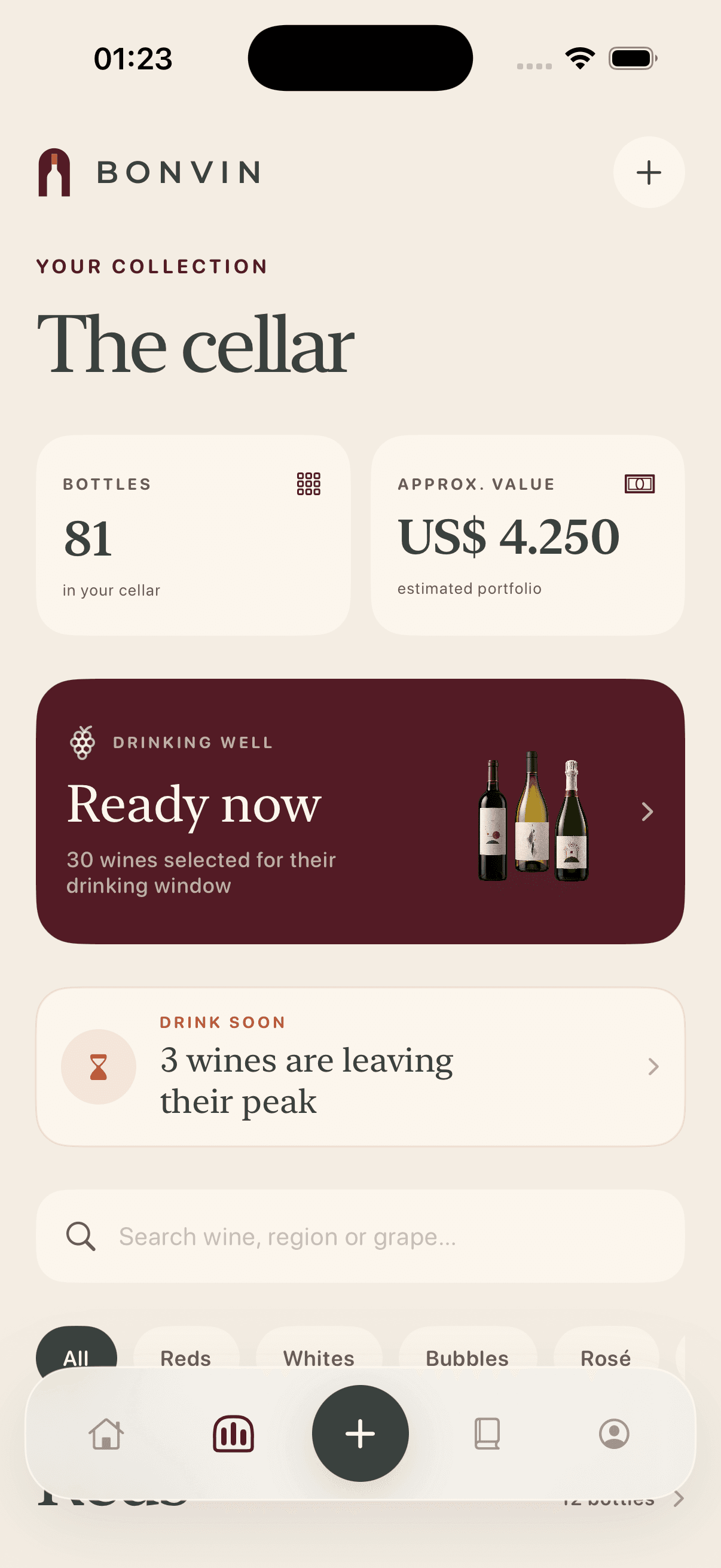
Once the location system is stable, create views for what needs attention. Review wines that are ready now, bottles approaching the end of an estimated window, low-stock favorites and categories where you own more than you drink.
A quarterly spot check is usually more manageable than a yearly full recount. Pick one shelf, compare it with the inventory and correct discrepancies. That small routine keeps errors from spreading across the cellar.
Sources and further reading
Bonvin uses primary regional bodies and established wine education sources for factual guidance. Wine style varies by producer, vintage and storage history.