
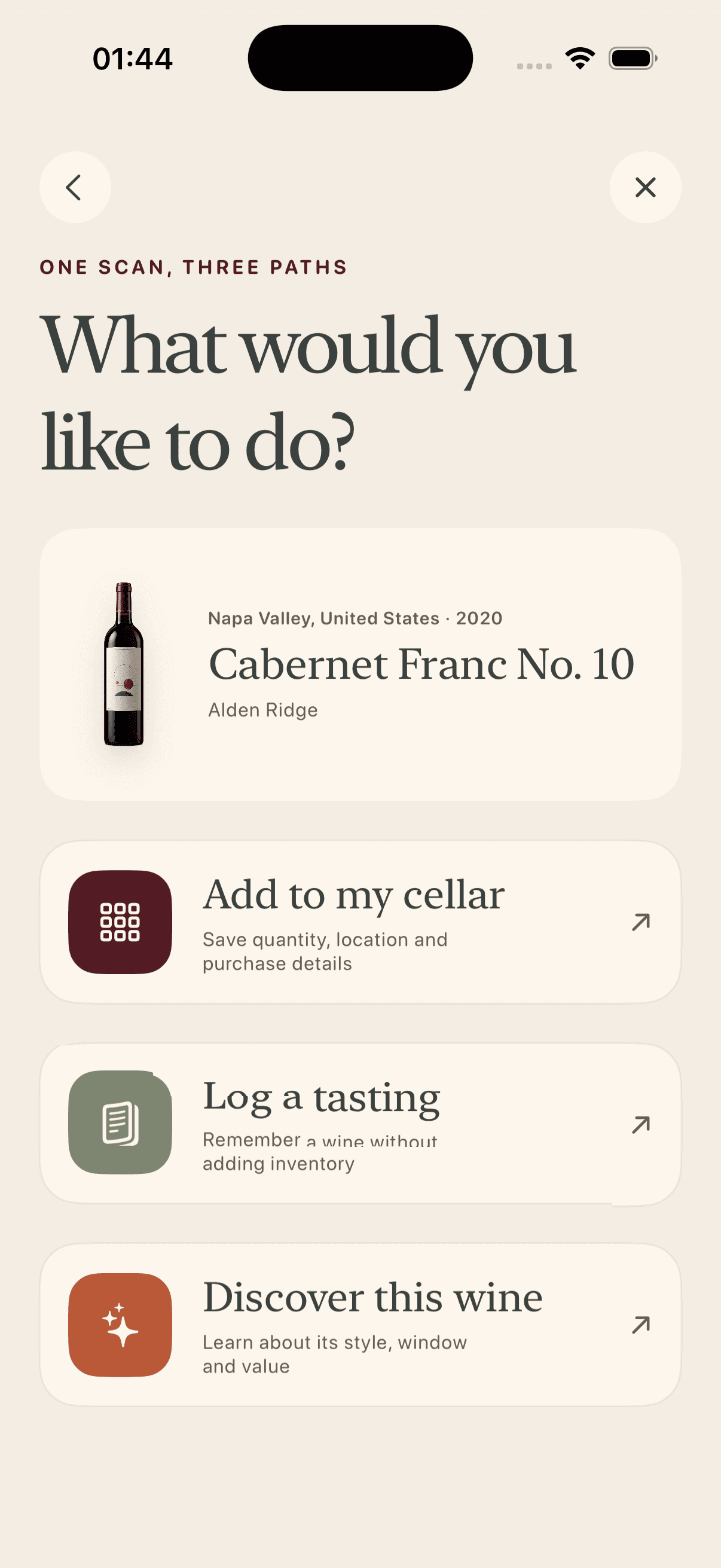
What Bonvin reads from the bottle
- Producer or estate name
- Wine or cuvée name
- Vintage or non-vintage designation
- Region, appellation and country
- Grape or style when it appears on the label
Why confirmation is part of the scan
Wine labels are difficult recognition targets. Decorative lettering, foil glare, curved glass and multilingual text can reduce accuracy. More importantly, two vintages may share almost the same front label.
Bonvin presents the most likely result and alternatives. You confirm the vintage and cuvée before the record reaches your cellar or journal. If no match is reliable, the extracted fields still reduce the work required for manual entry.
One scan, three useful destinations
- Add to Cellar for a bottle you own.
- Add to Journal for a wine you just tasted.
- Discover for a wine you are considering in a shop or restaurant.
A cleaner record starts with a better photo
Hold the bottle upright, avoid glare and keep the main label inside the frame. Bonvin can warn about low light or a steep angle, but it should still let you take the photo. If no label is visible, the app can ask for another image instead of inventing a result.